Cloud Ctrl
Overview
Getting Setup
Using
Recommendations
Overview
Getting Setup
Using
Recommendations
  • Quick Start
  • Getting Started
  • Concepts and Terminology
    • Overview
    • Tag Hierarchy
    • Shared Data
    • Custom Data
    • Actions
    • System Tags
  • Getting data into Cloud Ctrl

    • Overview
    • Microsoft Azure
      • Azure App Registration
      • Cost Management Exports
      • Enhanced Azure Access
      • Troubleshooting
    • Amazon Web Services
    • Google Cloud
    • Oracle Cloud
    • Alibaba Cloud
    • Tag Mapping
    • Custom Usage
    • Settings
  • Using Cloud Ctrl
    • Costs and Usage
    • Emissions and Energy
    • Tracking
    • Budgets
    • Reporting
    • Customer Management
  • Recommendations
    • Azure
    • Amazon
  • Kubernetes Cost Insights
  • Platform Integration and Security

    • API Overview
    • Platform Security & Data Protection
    • Access Management

Custom Data

Concept

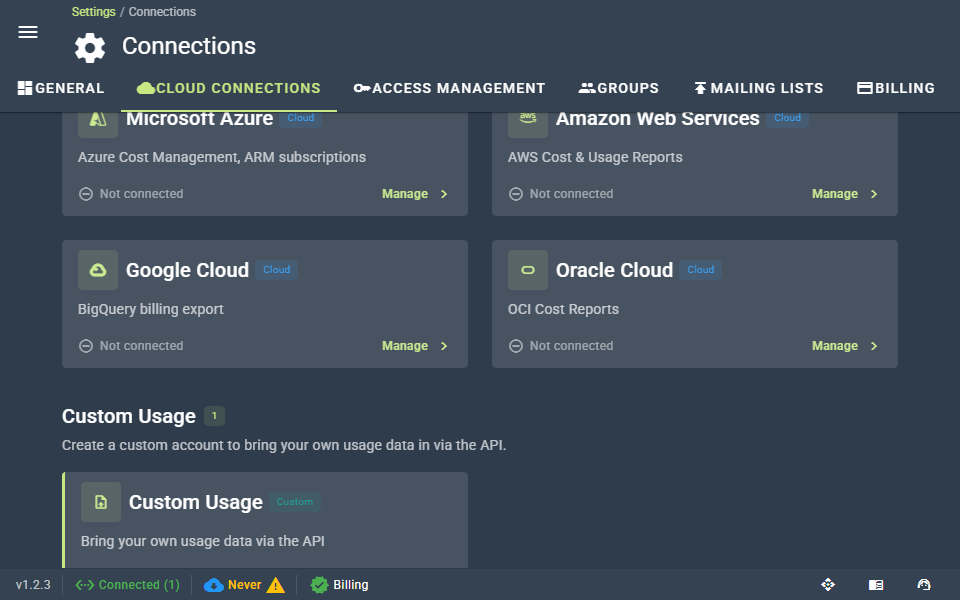
Cloud Ctrl supports all the major cloud vendors and we'll always continue to bring more connections to the table as we grow. However we have to prioritize connections by their popularity so there was a need to allow users to bring in their own specific private cloud offerings, individual SaaS vendors, or just generally their own bespoke usage data into the platform.

This is where the Custom Usage feature comes in. Cloud Ctrl works off a standard usage model. From the perspective of the Cloud Ctrl all cloud vendors are identical as their usage is collapsed into this one shared model. The Custom Usage feature is a set of APIs that enable users to bring their own usage data to be rendered and managed in Cloud Ctrl.

Configuration

To setup a custom cloud account follow the instructions provided here.

Prev
Shared Data
Next
Actions